

MissionBridge
Church websites
For churches with no site too,
we open a door online
Many churches still have no website. Meeting first-time visitors, keeping worship and sermons, welcoming newcomers — all needed, but there aren't enough hands to build and manage it. MissionBridge handles building, domain and management, so your church can focus on worship and service.
This very MissionBridge site was built by the same hands and heart. From building to care, the hands-on work stays with us.
Why a church needs a website
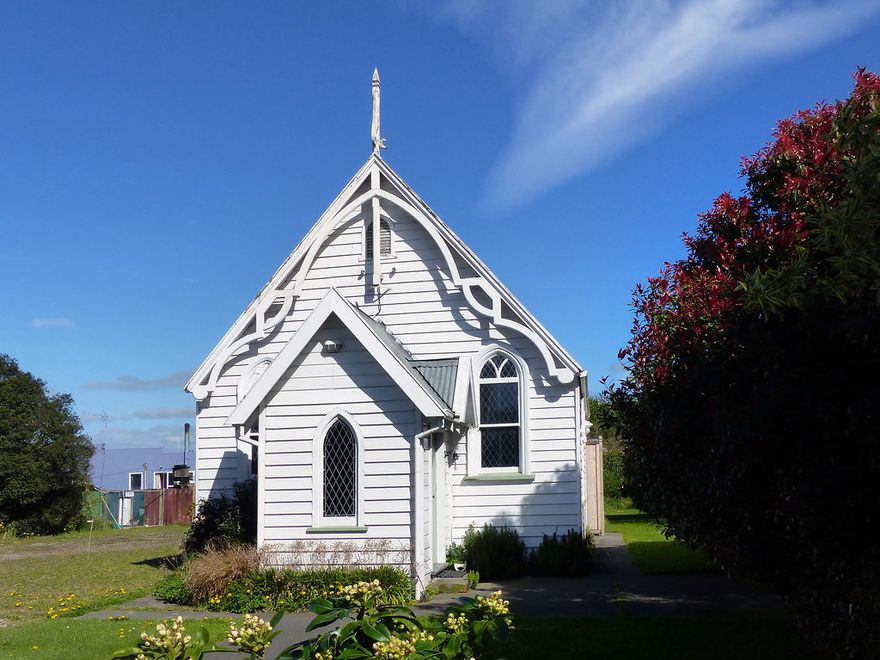
It doesn't have to be big. One website makes meeting newcomers — and your church's service — far more solid.
People search first
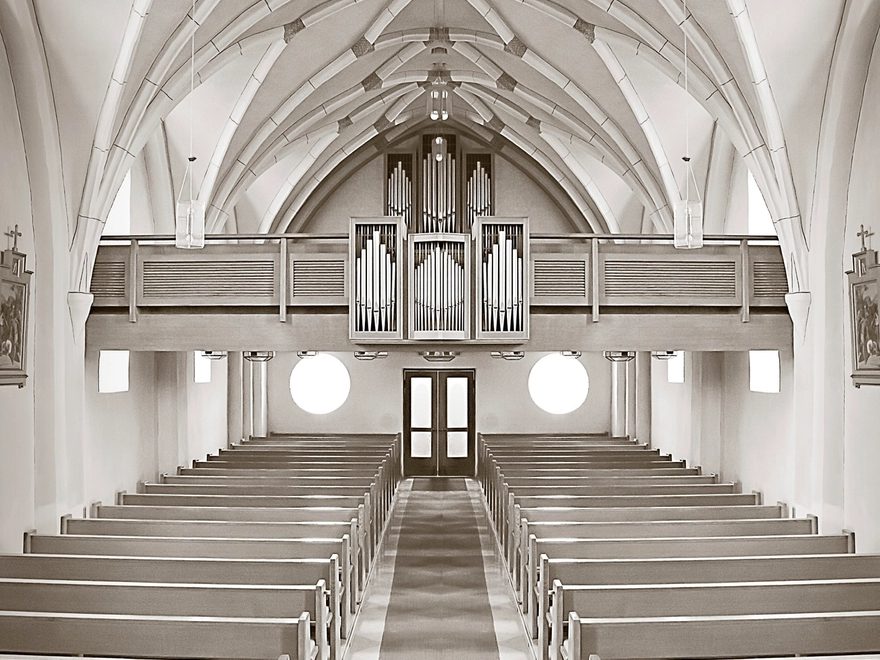
Newcomers look up your service time and location online first. Your website becomes the first impression.
Trust for newcomers
Simply showing who your church is helps a first-time visitor feel at ease to knock on the door.
Sermons & bulletins kept
Sermon videos, bulletins and news no longer scatter — they gather neatly in one place.
Anywhere, anytime
Members and visitors follow worship and news on desktop or mobile. Even distant members join in.
Giving & serving info
Clear online giving info and ways to serve widen the door to participation.
Zero maintenance burden
Domain, hosting, security and updates — MissionBridge handles it all. Your church focuses on ministry.
Quietly proving you’re real
These days a logo, a testimony — even a whole church — can be made in seconds. As the line between real and fake blurs, an official website that honestly shows your church is real matters more, not less.
A trusted home that supporters, young people and first-time visitors can search and confirm — ‘they’re really here’ — becomes a point of reassurance amid the noise. A website isn’t about showing off; it’s a fence that protects the people walking with you.
- A real church, verified
- Reassurance amid impersonation
- A searchable official home
From a church’s place,
we begin together
Whatever the size, if there's an internet connection we consult and build online. Less burden, a lighter start.
Only what a church needs, exactly
It needn’t be flashy. We hold, simply, what newcomers should know and what members look for often.
- Responsive website (auto PC/mobile)
- Service time & directions (map)
- Sermon video & bulletin archive
- Church news & events
- Newcomer welcome page
- Ministries & groups
- Online giving info
- Domain, security, backup & care
Especially good for
- Church plants and churches with no site yet
- Churches that want sermons & bulletins online
- Churches wanting a newcomer welcome page
- Churches short on hands to manage it
Within a set frame, fast and solid
We build on proven templates — finished fast, stable for the long run. Same process for everyone; only the layout choices differ.
Fast launch
We build on proven templates instead of designing from zero — ready within a month.
Reasonable cost
No complex custom design, so you can start with an easy monthly fee.
Proven quality
The templates are already polished — design, mobile, speed and security are solid from day one.
From consult to launch, in 4 steps

- 01
Consult
We share needs and direction, and sort out what matters.
- 02
Plan the layout
We choose the right screens and template together.
- 03
Build & set up
We build responsively and set up domain and security.
- 04
Launch & care
After launch, updates, backups and fixes stay with us.
First we sketch the structure — a wireframe
It's the standard method in web design. Before colors or photos, we draw the screen's skeleton together — so we agree on the structure first, and fix things cheaply before any building.
- 1
Header
Logo and menu — move anywhere from here
- 2
Hero
The first screen — key message and a button
- 3
Content
News, info, photos — the main body
- 4
Inquiry · CTA
Contact, booking or giving window
- 5
Footer
Contact, address and info
① Sitemap → ② Wireframe (structure) → ③ Design (colors · photos) — we go step by step so nothing feels rushed.
Templates for churches
Built to hold worship, sermons and newcomer info. Choose one, and we lay your church's photos, words and colors on top.
Not sure which fits?
Tell us about your church and we'll recommend the best template.
Get a recommendationGathered once, applied at once
So neither you nor we burn out — one tidy update a month, done well.
- 1
One scheduled update a month
Based on the 1st of each month — gather your materials and send them together beforehand.
- 2
One inbox for submissions
To keep things from scattering across channels, we accept materials only at the designated email.
- 3
Follow the material guide
Photos as files, text as text — and note 'which page, what goes where'.
- 4
Included in your monthly fee
Replacing and adding news, photos and text is included within the monthly cycle.
- 5
Applied in 3–5 business days
Reviewed and published in line with the regular update day.
Submission guide
- Photos — send the original files (JPG·PNG). KakaoTalk ‘standard quality’, screen captures, or photos pasted into documents lose quality. One file each, landscape if possible.
- Text — send as text (message, memo, Word). Text inside photos has to be retyped by us, which delays updates. Separate the title from the body.
- Where it goes — tell us which page and section. e.g. “Add a post to News”, “Replace the front photo”, “Change the donation account”.
- Video — a YouTube or Google Drive link, or a file.
- Dates & donation info — write numbers (dates, amounts, accounts) precisely, in a table or list.
Please note
- New pages, added features, or design overhauls are quoted separately from regular updates.
- Urgent news (obituaries, pressing notices) is applied as an exception, regardless of the schedule.
- Urgent issues like outages are handled immediately, as always.
We'll help set up your update folder too
We create a dedicated Google Drive folder and send you the link. Just drop your files in.
Churches that need a website,
reach out anytime
It’s okay if you haven’t decided yet. Let’s first talk about what you need and what’s possible.
mission.bridge.office@gmail.com