

MissionBridge
Small-business websites
Build a shop of faith,
connect it to missions
For Christian owners who care about missions and giving, we support fitting responsive websites and stores at a reasonable cost. As the shop stands strong, its self-reliance becomes the channel that sustains missionary support.
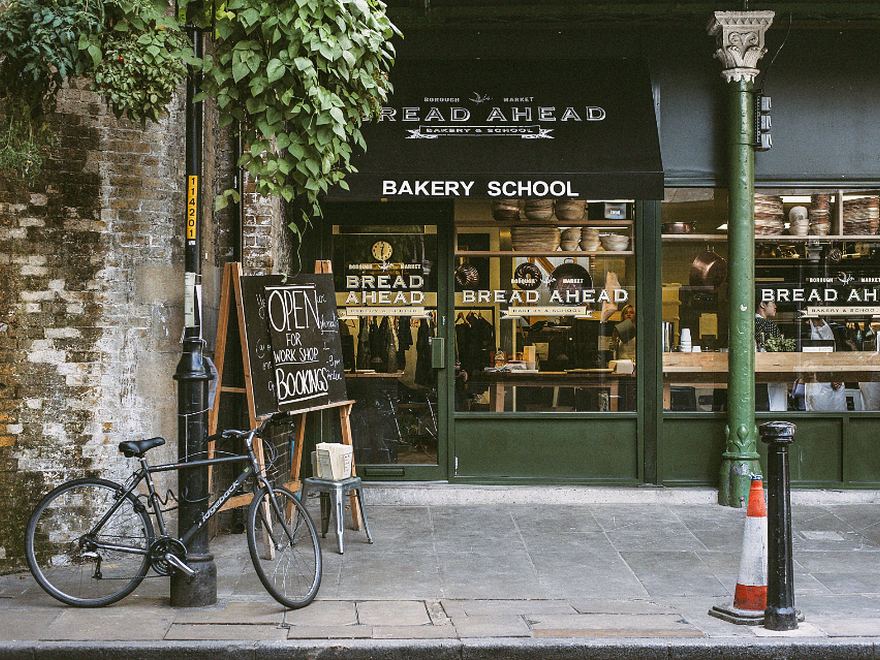
When a shop stands, missions keep going
A Christian owner who cares about missions stands strong with a good website, and the fruit of that self-reliance helps missionaries who have none. Not one side sacrificing — both are built up.

Support
We build a good, affordable website for owners who care about missions and giving, and manage it so they can focus on their work.

Gathering
The shop stands strong, and each month's build and care cost gathers, little by little, into a fund for ministry.
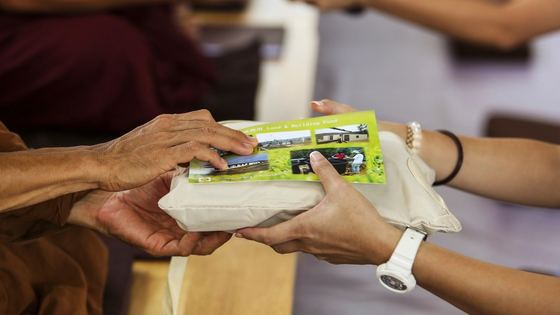
Sharing
We help missionaries who couldn't even imagine having a website. One shop's self-reliance opens the door to one mission field.
Good for Christian owners
- Owners of faith supported first
- Reasonable cost · minimal upfront burden
- Build, domain and care in one, mobile-first
- Your shop becomes a way to join in missions
Good for missions
- A base of self-reliance beyond donations alone
- Websites for more missionaries
- Sustainable ministry growth
- Shop and ministry grow together
One good website lights up both the shop and the ministry.
For your shop, and your website
When you build with us, you get both. To in-store guests and online visitors alike, it naturally shows that this shop is growing alongside missions.
In-store sign
Print it and hang it on the wall or counter.

all sizes
frame
This place grows alongside missionsFollowWebsite badge
Favicon set, profile frame and footer banner — all in one.
Everything your shop needs
From a simple intro site to a store or booking. We propose to fit your field and budget.
Responsive website
Intro, inquiry and directions — a site that looks perfect on mobile.
Booking · inquiry
Bookings, consult requests and KakaoTalk channel to grow visits and inquiries.
Search · marketing
We cover Naver/Google search (SEO) and AI-answer (GEO) exposure by default.
Knowing the field changes the result
Not the same website. Customers look for different things in every field — putting exactly that on the page is what turns visits into inquiries and sales.
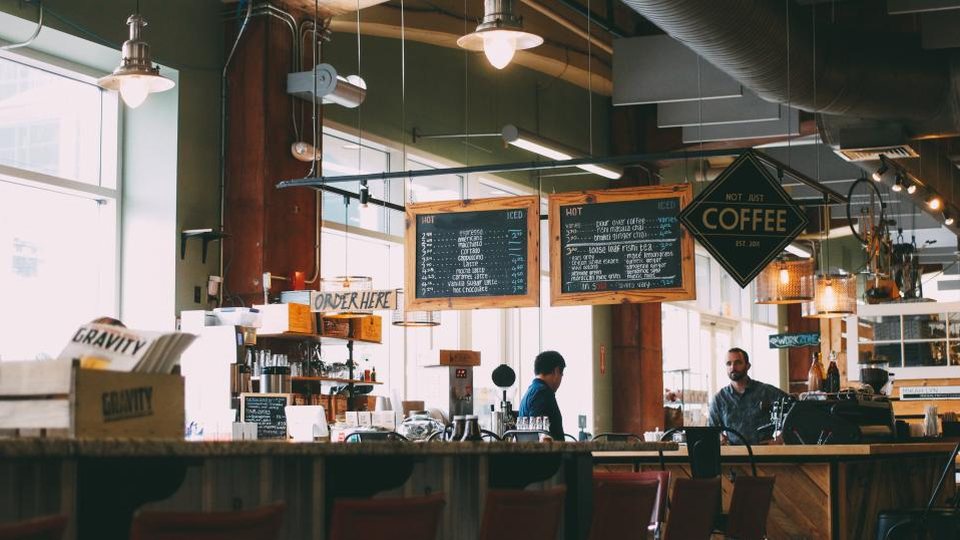
Restaurants · cafés

Clinics · hospitals

Academies · education
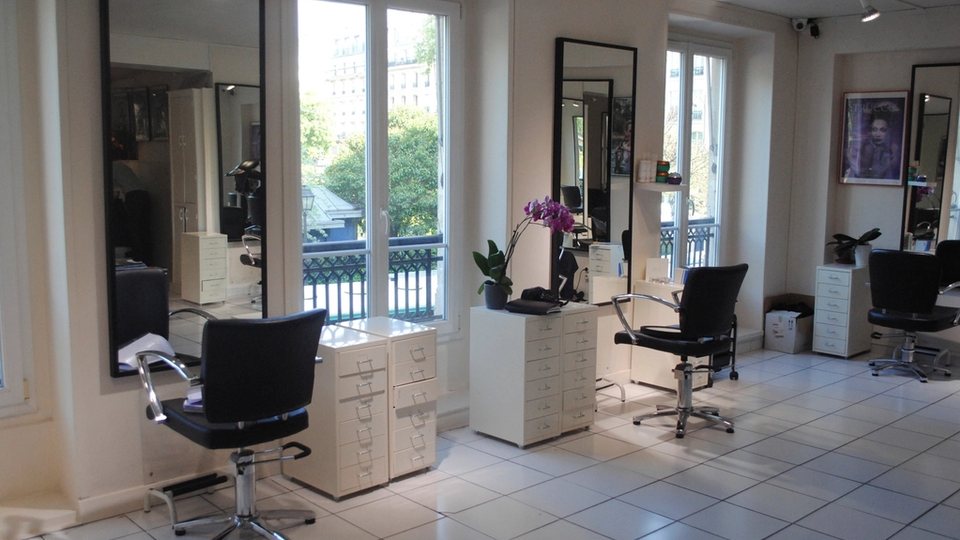
Beauty · care

Legal · pro services

Real estate · B2B
- Studios · workshops
- Offices · workplaces
- Every other field
Within a set frame, fast and solid
We build on proven templates — finished fast, stable for the long run. Same process for everyone; only the layout choices differ.
Fast launch
We build on proven templates instead of designing from zero — ready within a month.
Reasonable cost
No complex custom design, so you can start with an easy monthly fee.
Proven quality
The templates are already polished — design, mobile, speed and security are solid from day one.
From consult to launch, in 4 steps

- 01
Consult
We share needs and direction, and sort out what matters.
- 02
Plan the layout
We choose the right screens and template together.
- 03
Build & set up
We build responsively and set up domain and security.
- 04
Launch & care
After launch, updates, backups and fixes stay with us.
First we sketch the structure — a wireframe
It's the standard method in web design. Before colors or photos, we draw the screen's skeleton together — so we agree on the structure first, and fix things cheaply before any building.
- 1
Header
Logo and menu — move anywhere from here
- 2
Hero
The first screen — key message and a button
- 3
Content
News, info, photos — the main body
- 4
Inquiry · CTA
Contact, booking or giving window
- 5
Footer
Contact, address and info
① Sitemap → ② Wireframe (structure) → ③ Design (colors · photos) — we go step by step so nothing feels rushed.
Templates for Christian owners
Built for shops, bookings and sales. Pick the one for your field, and we place your menu, products or booking window right in.
Not sure which fits?
Tell us about your shop and we'll recommend the best template.
Get a recommendationGathered once, applied at once
So neither you nor we burn out — one tidy update a month, done well.
- 1
One scheduled update a month
Based on the 1st of each month — gather your materials and send them together beforehand.
- 2
One inbox for submissions
To keep things from scattering across channels, we accept materials only at the designated email.
- 3
Follow the material guide
Photos as files, text as text — and note 'which page, what goes where'.
- 4
Included in your monthly fee
Replacing and adding news, photos and text is included within the monthly cycle.
- 5
Applied in 3–5 business days
Reviewed and published in line with the regular update day.
Submission guide
- Photos — send the original files (JPG·PNG). KakaoTalk ‘standard quality’, screen captures, or photos pasted into documents lose quality. One file each, landscape if possible.
- Text — send as text (message, memo, Word). Text inside photos has to be retyped by us, which delays updates. Separate the title from the body.
- Where it goes — tell us which page and section. e.g. “Add a post to News”, “Replace the front photo”, “Change the donation account”.
- Video — a YouTube or Google Drive link, or a file.
- Dates & donation info — write numbers (dates, amounts, accounts) precisely, in a table or list.
Please note
- New pages, added features, or design overhauls are quoted separately from regular updates.
- Urgent news (obituaries, pressing notices) is applied as an exception, regardless of the schedule.
- Urgent issues like outages are handled immediately, as always.
We'll help set up your update folder too
We create a dedicated Google Drive folder and send you the link. Just drop your files in.
Build the shop,
connect the ministry
Get a good website at a reasonable cost. That one step opens a window of ministry for a missionary who has none.